
在仿真中实例化#
通过在命令行或 .sumocfg 文件中设置仿真选项 --stop-output <FILE> 来激活停靠输出。该输出包含关于每辆车预定的 <stop> 的信息:到达和离开时间、停靠地点以及装载和卸载的人员或集装箱数量。该信息在每次停靠结束时生成。
生成的输出#
格式如下:
<stops>
    <stopinfo ''ATTRIBUTES''...\>
    ...
</stops>
生成以下输出属性:
| 名称 | 类型 | 描述 |
|---|---|---|
| id | (vehicle) id | 停靠的车辆名称 |
| type | (type) id | 停靠的车辆类型 |
| lane | id | 车辆停靠所在的车道 |
| pos | double | 车辆停靠时的车道位置 |
| parking | bool | 车辆是否离开道路(true)或停留在道路上(false) |
| started | time (s) | 车辆开始停靠的时间 |
| ended | time (s) | 车辆恢复行驶的时间 |
| delay | time (s, optional) | 'ended' 和 'until' 之间的差值(仅当停靠设置了 'until' 属性时) |
| arrivalDelay | time (s, optional) | 'started' 和 'arrival' 之间的差值(仅当停靠设置了 'arrival' 属性时) |
| initialPersons | int | 到达停靠点时车内的人员数量 |
| loadedPersons | int | 在此停靠点进入车辆的人员数量 |
| unloadedPersons | int | 在此停靠点离开车辆的人员数量 |
| initialContainers | int | 到达停靠点时车内的集装箱数量 |
| loadedContainers | int | 在此停靠点进入车辆的集装箱数量 |
| unloadedContainers | int | 在此停靠点离开车辆的集装箱数量 |
| busStop | id (optional) | 如果停靠发生在命名的 <busStop/>,则为该 busStop 的 id |
| containerStop | id (optional) | 如果停靠发生在命名的 <containerStop/>,则为该 containerStop 的 id |
| parkingArea | id (optional) | 如果停靠发生在命名的 <parkingArea/>,则为该 parkingArea 的 id |
| chargingStation | id (optional) | 如果停靠发生在命名的 <chargingStation/>,则为该 chargingStation 的 id |
| tripId | string (optional) | 停靠时车辆的 tripId 参数(如果已设置) |
| usedEnded | bool (optional) | 停靠是否加载了 'ended' 值。(仅在设置了 --use-stop-ended 选项时写入) |
可视化示例#
各站点的乘客登车数与延误时间#
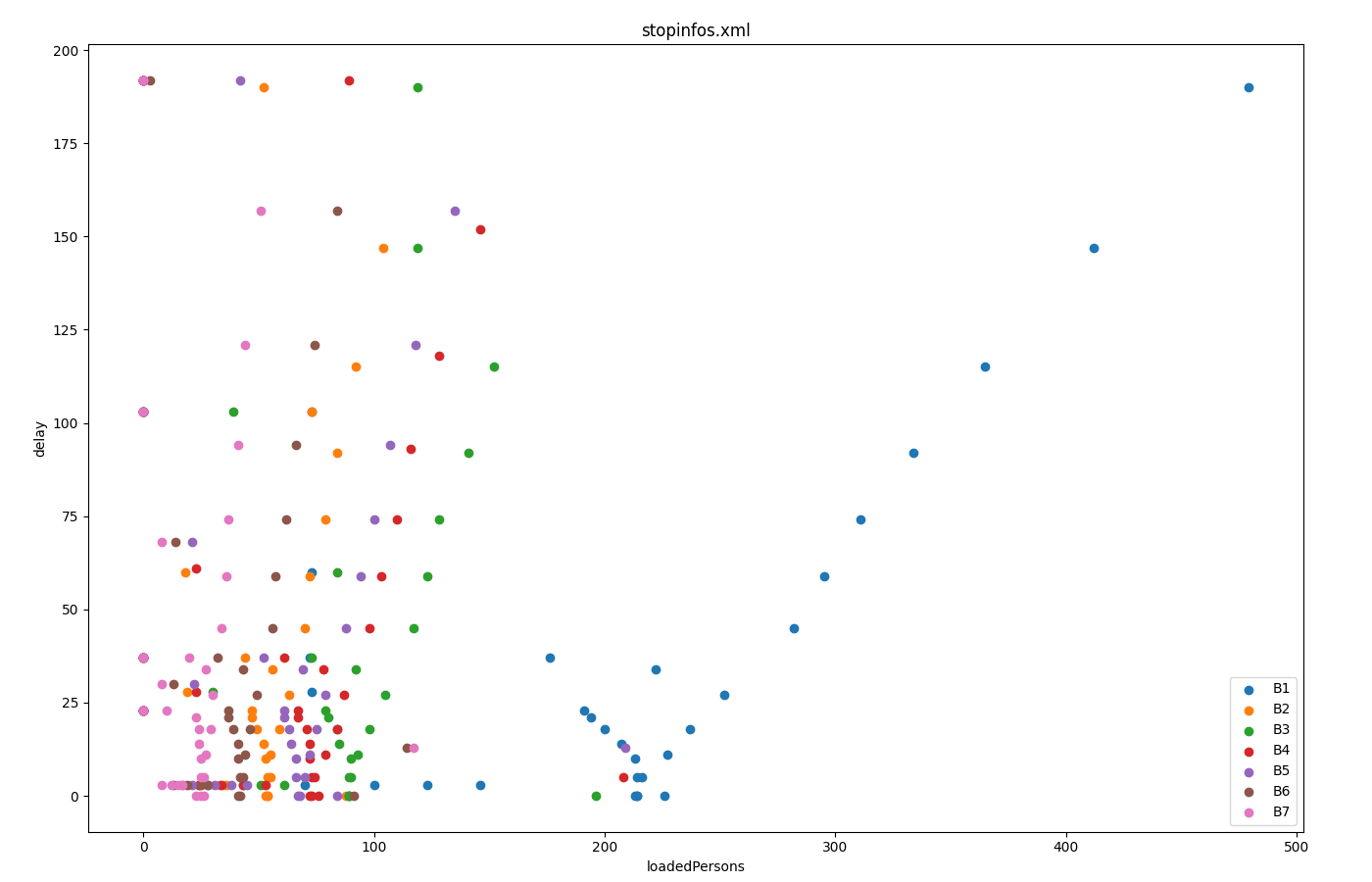 使用 plotXMLAttributes.py 生成
公共交通时刻表#
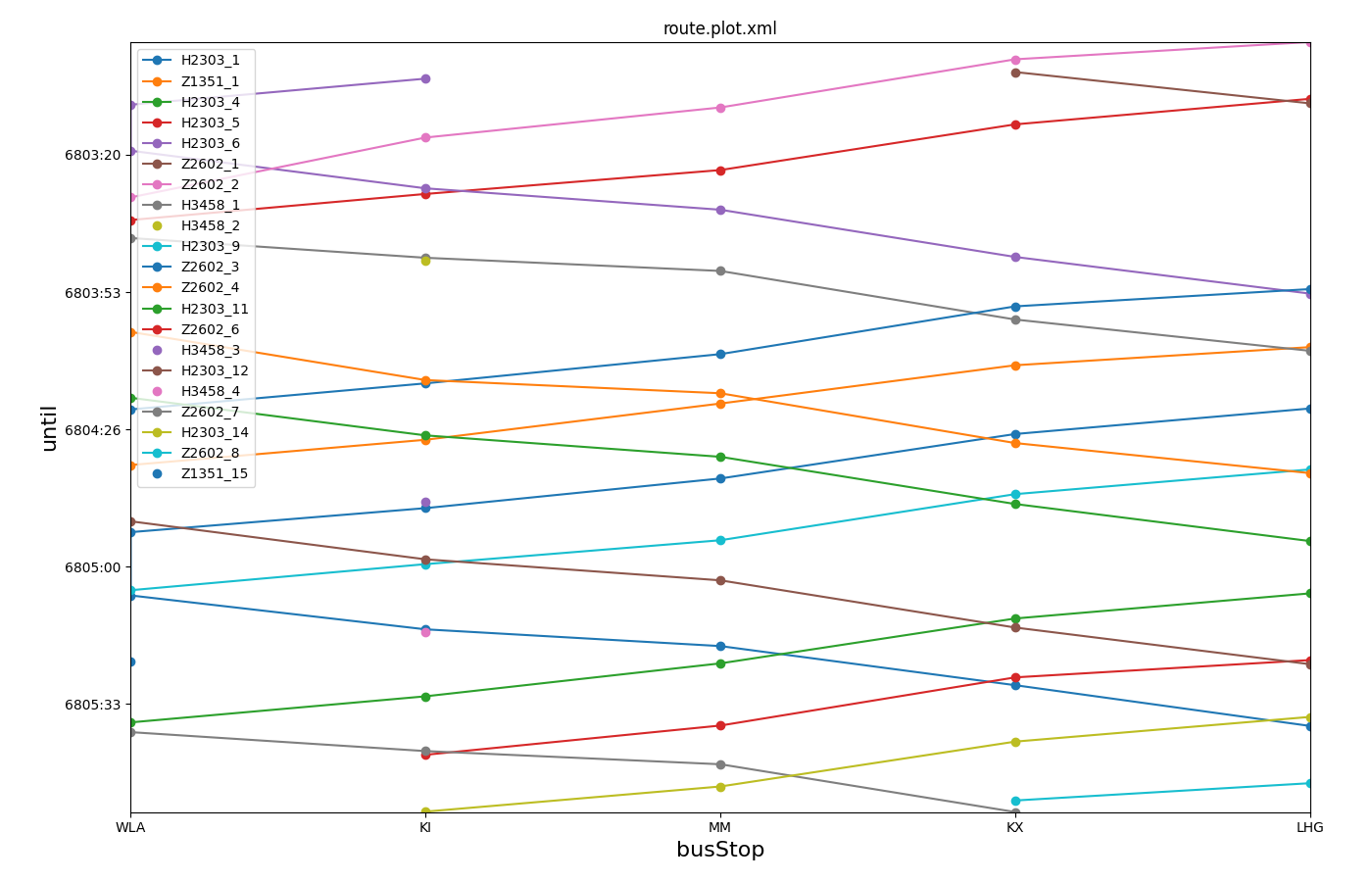 使用 plotXMLAttributes.py 生成